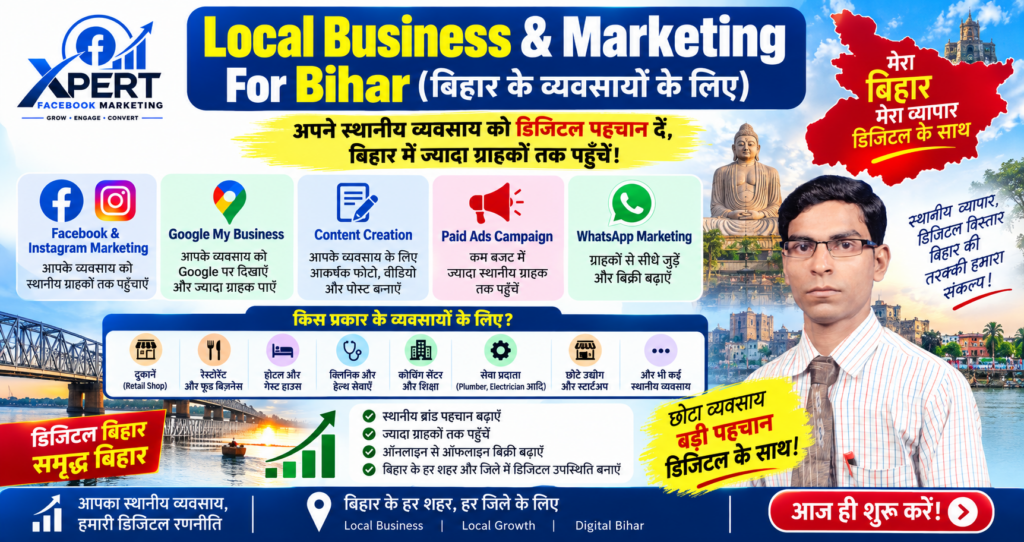

Local Business & Marketing क्या है?

Local Business & Marketing का मतलब है अपने आस-पास के इलाके (जैसे मोहल्ला, शहर या पिन कोड) में रहने वाले ग्राहकों को टारगेट करके बिज़नेस को प्रमोट करना।
Local Business & Marketing क्या है? (Hindi में, English Keywords के साथ)
Local Business (स्थानीय व्यवसाय)
Local Business वह होता है जिसका कोई physical location (जैसे दुकान, ऑफिस, शोरूम) किसी खास community या area में हो और वह nearby customers को serve करता हो।
उदाहरण: किराना स्टोर, रेस्टोरेंट, सैलून, क्लिनिक, जिम, कोचिंग सेंटर, सर्विस सेंटर आदि।
Local Marketing (स्थानीय मार्केटिंग)
Local Marketing वे strategies और tactics हैं जो local businesses अपने nearby potential customers तक पहुंचने, उनसे connect करने और sales बढ़ाने के लिए use करते हैं।
इसका main focus होता है:
Target Area: आपके store/office के few kilometres के अंदर के लोग।
Goal: Local visibility बढ़ाना, foot traffic लाना, calls/ऑर्डर बढ़ाना, और community में brand trust बनाना।
Local Marketing के Main English Keywords (Hindi Explanation के साथ)
Google Business Profile (GBP): Google पर अपने business की free listing बनाना और optimize करना (नाम, address, phone, photos, reviews) ताकि local search में ऊपर दिखें।
Local SEO: Website और online listings में local keywords (जैसे “best salon in Dwarka”, “cafe near Connaught Place”) use करना ताकि nearby लोग search करें तो आप दिखें।
Reviews & Ratings: Google, Facebook, Justdial आदि पर customers से reviews लेना; अच्छी ratings local trust और ranking दोनों बढ़ाती हैं।
Hyperlocal Social Media: Instagram/Facebook पर location tags, local hashtags (जैसे #DelhiFood, #SaketLife) और geo-targeted posts/ads use करना।
Geo-targeted Ads: Google Ads, Facebook/Instagram Ads में radius targeting या pin-code targeting करके सिर्फ nearby users को ads दिखाना।
Local Influencers & Community: आस-पास के micro-influencers, housing societies, RWAs, colleges के साथ collab करके reach बढ़ाना।
Offers & Loyalty: Local customers के लिए special discounts, referral programs, loyalty cards आदि चलाना।
Local Marketing क्यों ज़रूरी है?
Budget Efficient: आपका ad spend सिर्फ उन लोगों पर जाता है जो actually visit/order कर सकते हैं।
Higher Conversion: Nearby customers की buying intent ज़्यादा होती है (वो जल्दी visit या order करते हैं)।
Community Trust: Local businesses को community-rooted माना जाता है; लोग local brands पर ज़्यादा trust करते हैं।
बिजनेस के लिए Digital Marketing क्यों जरूरी है?
Hasanpur, Samastipur, Rosera, Begusarai, Bhagalpur, Muzaffarpur, Sitamarhi, Darbhanga, Saharsa, Khagaria, Patna और पूरे Bihar के businesses के लिए Digital Marketing इसलिए जरूरी है क्योंकि अब customers पहले online search, Google Maps, Instagram/Facebook और WhatsApp पर businesses ढूंढते हैं—और जो businesses online नहीं हैं, वो बड़ी audience और sales खो रहे हैं।
1. Customers अब Online First हैं (Customers are Online First)
Bihar में 55 million+ internet users और 35 million+ social media users हैं (2025)।
90% लोग smartphones से internet use करते हैं—मतलब आपके customers भी mobile पर businesses search कर रहे हैं।
Patna से लेकर Purnia तक, customers पहले Google Search, Google Maps, Instagram और AI assistants पर businesses ढूंढते हैं।
छोटे clinics, retail stores, coaching centers, restaurants—all online search से new customers पा रहे हैं।
2. Local Visibility और Trust बनता है (Builds Local Visibility & Trust)
Local SEO और Google My Business (GMB) profile से आपका business Google Maps और local search results में ऊपर आता है।
Customers reviews, photos, और ratings देखकर trust करते हैं—digital marketing से आप ये सब control कर सकते हैं।
जो businesses online active हैं, उन्हें customers ज्यादा trustworthy मानते हैं।
3. Cost-Effective और Measurable ROI (Low Cost, High ROI)
Digital marketing traditional marketing से कम investment में ज्यादा targeted audience तक पहुंचाता है।
आप track कर सकते हैं कि कितने लोग ad देख रहे हैं, click कर रहे हैं, call कर रहे हैं—और budget optimize कर सकते हैं।
छोटे businesses भी बड़े brands के साथ compete कर सकते हैं—क्योंकि digital marketing में लाखों रुपये खर्च करने की जरूरत नहीं।
4. सही Customers तक पहुंच (Reach the Right Audience)
Social Media Marketing, Google Ads, और Email Marketing से आप location, interest, behavior के हिसाब से targeted ads चला सकते हैं।
उदाहरण: अगर आपका coaching center Darbhanga में है, तो आप सिर्फ Darbhanga और nearby areas के students/parents को ads दिखा सकते हैं।
5. Fast Results और Scalability (Quick Results & Easy to Scale)
Performance Marketing (Google Ads, Facebook Ads) से आपको तुरंत leads और calls मिल सकते हैं।
जैसे-जैसे results अच्छे आएं, आप budget बढ़ाकर scale कर सकते हैं।
Content marketing (YouTube videos, blogs, reels) से long-term brand building होता है।
6. Competition से पीछे न रहें (Don’t Fall Behind Competitors)
Bihar में बहुत से businesses पहले से digital marketing use कर रहे हैं—अगर आप नहीं करेंगे, तो competitors आगे निकल जाएंगे।
“Customers moved online, and most local businesses have not caught up”—यही gap सबसे बड़ा opportunity है।
आपके Area के लिए Practical Digital Marketing Strategy
Website First: एक fast, mobile-friendly website बनवाएं (Hindi + English)।
Local SEO: Google My Business profile optimize करें, local keywords use करें (जैसे “Best coaching in Muzaffarpur”, “Restaurant in Bhagalpur”)।
Social Media: Instagram, Facebook पर regular posts, reels, customer testimonials डालें।
WhatsApp Marketing: Customers से direct connect रहें—offers, updates, reminders भेजें।
Paid Ads: Google Ads और Facebook Ads से targeted campaigns चलाएं (local area + interest based)।
Content Marketing: YouTube videos, blogs, reels से value दें (educational, tips, behind-the-scenes)।
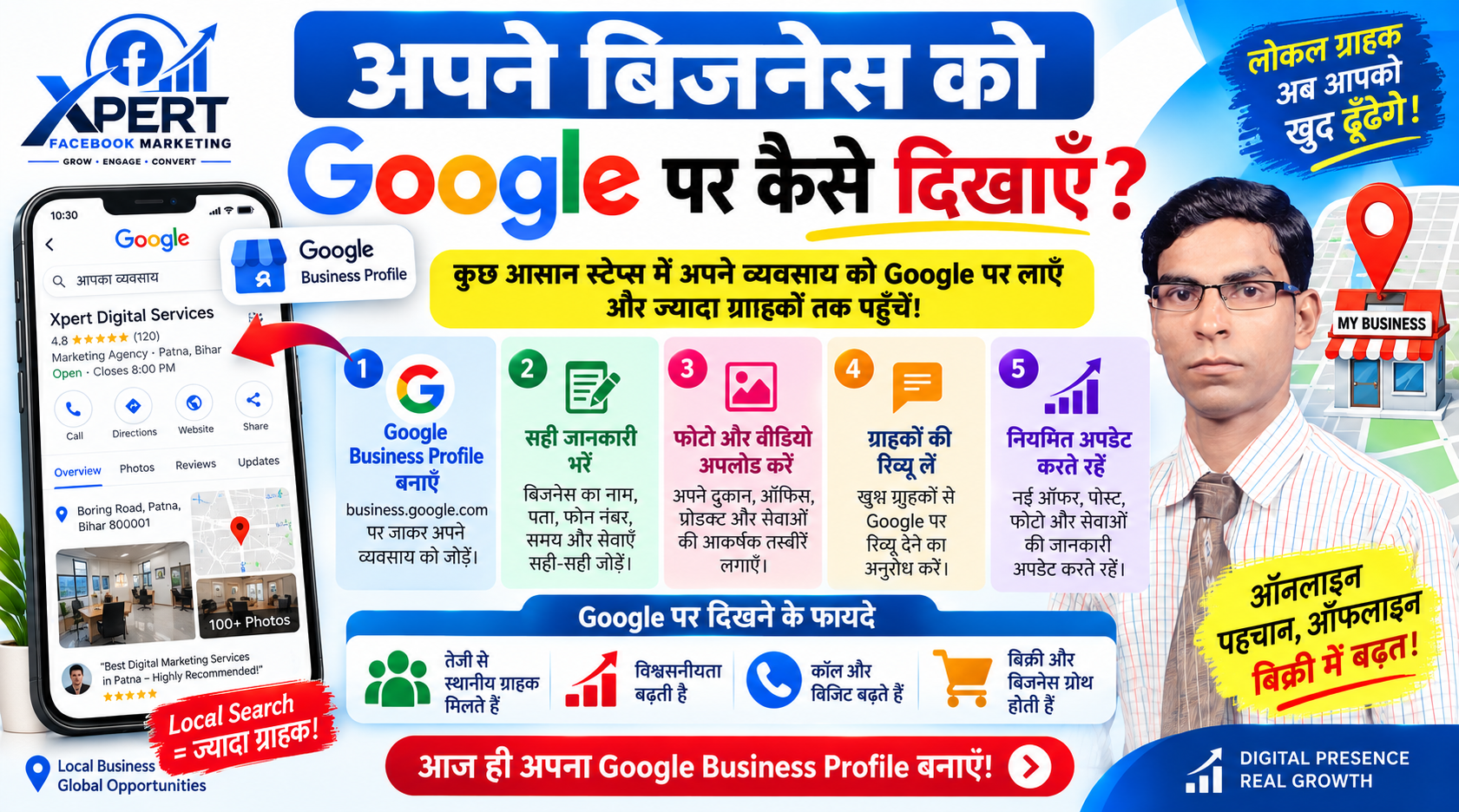
अपने बिजनेस को Google पर कैसे दिखाएँ?
अपने बिजनेस को Google पर दिखाने का सबसे आसान और official तरीका है Google Business Profile (पहले Google My Business) बनाना।support.
Step-by-Step: Business को Google पर कैसे दिखाएँ
1. Google Business Profile बनाएँ (Create Profile)
ब्राउज़र में जाएं: business.google.com
क्लिक करें: “Add your business to Google” या “Manage now”
2. Business Details डालें (Enter Business Information)
Business Category: सही category चुनें (ये ranking में बहुत matter करता है)
Location:
Phone Number और Website (अगर है तो)
Opening Hours: सही समय डालें और regularly update करें
3. Business Verify करें (Verification)
Google को confirm करना होता है कि business real है और आप owner हैं।
Verification options: Postcard, Phone, Email, Instant (eligibility पर depend करता है)
Verification complete होने तक profile public नहीं दिखेगी पूरी तरह।
4. Profile Optimize करें (Optimization for Better Visibility)
Verify होने के बाद इन चीज़ों को जरूर add/Update करें:
Business Description (750 characters): क्या करते हैं, कहाँ हैं, क्यों चुनें आपको
Photos & Logo: कम से कम 5-10 high-quality photos (दुकान का बाहर/अंदर, products, team)
Services / Products: services list करें, prices भी डाल सकते हैं
Reviews: customers से reviews मांगें और हर review का reply करें
5. Local SEO Tips (Google Maps & Search में ऊपर दिखने के लिए)
Category सही चुनें (primary + secondary categories)
NAP Consistency: Name, Address, Phone हर जगह same रखें (website, social media, directories)
Regular Updates: hours, photos, posts regularly update करते रहें
Keywords in Description: natural तरीके से relevant keywords use करें (जैसे “best electronics shop in Delhi”)
Quick Checklist
Photos, Description, Services add किए
अगर आप ये सब steps follow करेंगे, तो आपका business Google Search और Google Maps दोनों पर customers को दिखने लगेगा।